Network Technology & IT Infrastructure
Stable, secure and scalable networks for your business. From planning and setup to maintenance - we take care of your entire IT infrastructure.
Why Professional Network Technology?
Stable, secure and future-proof
Stable Connections
Reliable networks with high availability - outages cost time and money. Redundancy, monitoring and regular maintenance reduce the risk of downtime significantly.
Network Security
Firewalls, segmentation and VPN protect your network from unauthorized access and cyberattacks.
Scalable Architecture
Networks that grow with your business. Easily expandable without rebuilding from scratch.
Professional Planning
Structured network planning with documentation, load calculation and future-proofing.
Proactive Monitoring
Monitoring runs automatically around the clock and alerts immediately on anomalies or performance drops. Alerts are assessed by your dedicated contact during agreed hours.
Traceable Documentation
Network documentation with topology plans, IP address management and configurations — maintained to the agreed scope.
Professional Network Technology
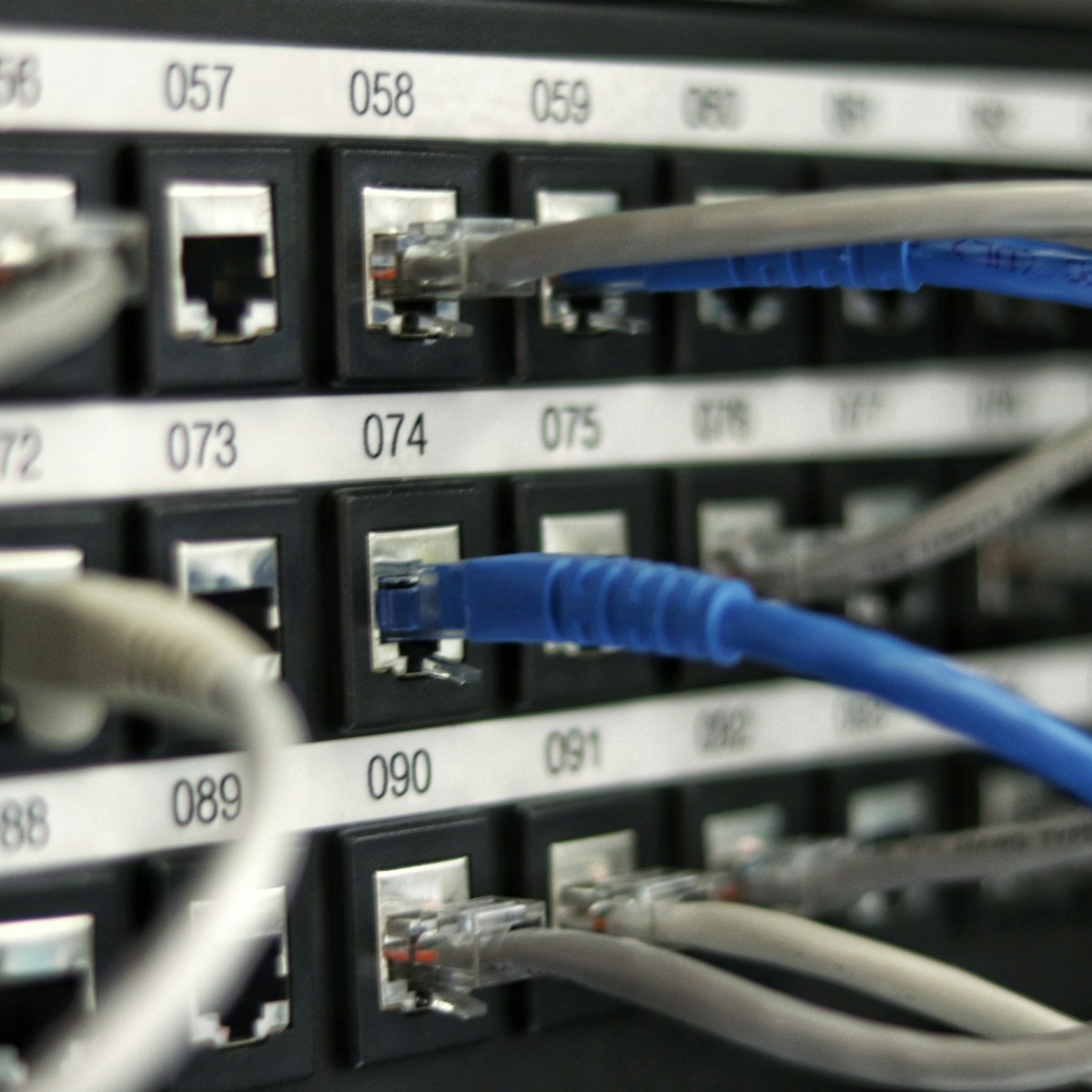
Network Infrastructure
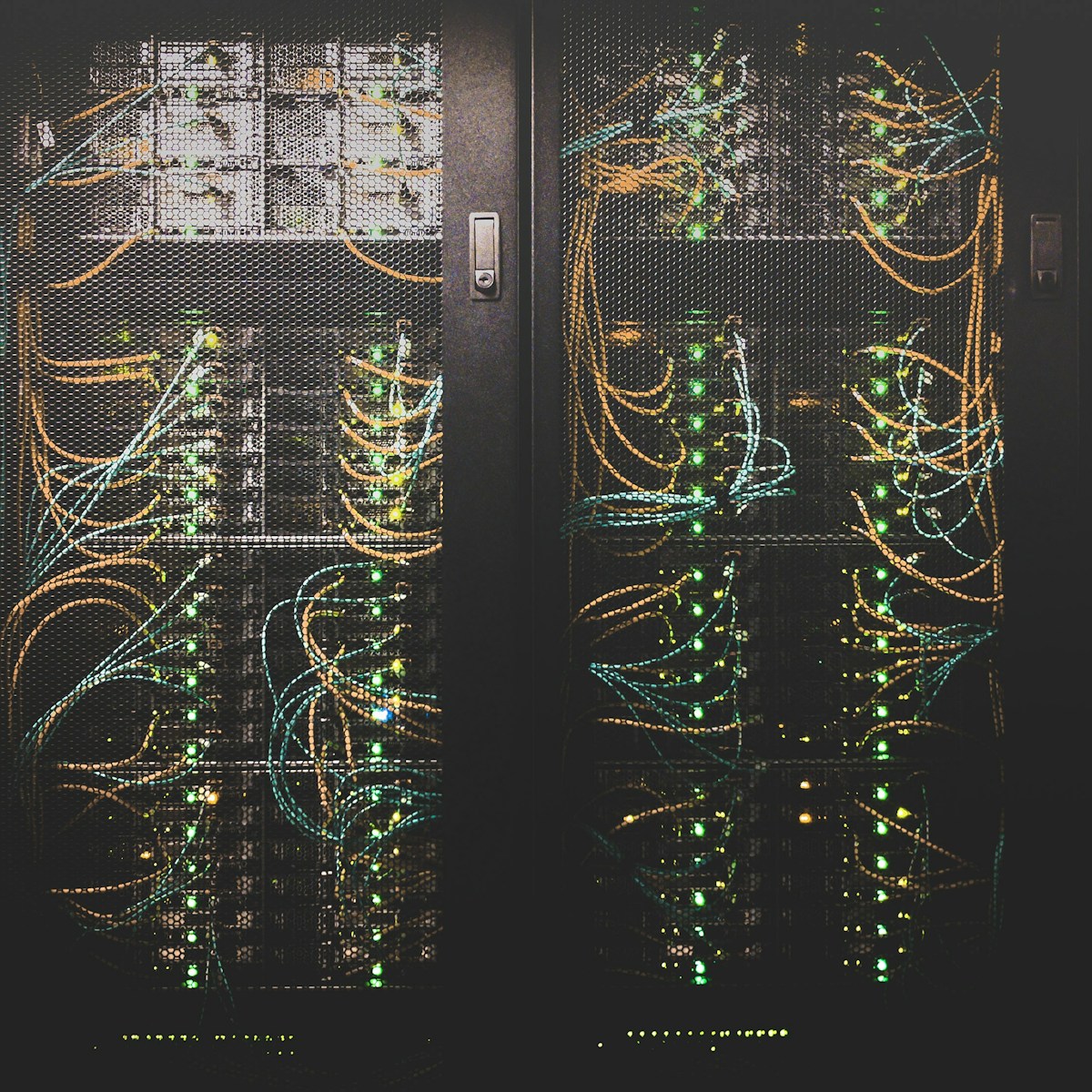
Servers & Data Center
Secure, fast and reliable networks
From planning and installation to automated monitoring around the clock — we build and maintain your network infrastructure for security, speed and reliability. Anomalies are assessed by your dedicated contact, not by a rotating shift team.

Our Network Services
Everything around your IT infrastructure
Network Planning & Design
Conception and planning of your network topology - from needs analysis to implementation.
LAN & Cabling
Professional structured cabling, patch panels and network outlets according to current standards.
WLAN Solutions
Site survey, planning and setup of enterprise WLAN with seamless roaming and guest access.
Firewall & VPN
Configuration and maintenance of firewalls and VPN solutions for secure site interconnection.
Server Infrastructure
Planning, setup and maintenance of server systems - physical and virtualized.
Network Monitoring
Continuous monitoring of bandwidth, latency and availability of all network components.
Switch & Router Configuration
Professional configuration of managed switches, routers and access points.
Network Segmentation
VLANs and network segmentation for greater security and optimal performance.
What you should know
Segmentation: cutting VLANs sensibly
A network does not become secure by having many VLANs, but by having its boundaries run along genuine trust zones. What has proved itself is a split by function and protection requirement: administration, production or machine network, servers, guest access, VoIP, printers, plus building services and cameras. In practice the latter are often the weakest devices in the building, because they rarely receive updates. 802.1Q allows up to 4094 VLAN IDs — that is never the constraint. The constraint is the question of who may route between the segments. It also matters that segmentation only works if access to the port is controlled. Without 802.1X with RADIUS, or at least MAC-based port control, a free network socket in the meeting room is enough to bypass any zone logic.
Separating production and administration properly
Production plants often run on controllers that can neither be patched nor restarted, in some cases on end-of-life operating systems. They therefore do not belong in the same segment as office clients where mail attachments are opened every day. The zone and conduit model of IEC 62443 provides a suitable framework: defined zones with precisely described transitions between them. In practice that means a dedicated transfer segment for data exchange, remote maintenance exclusively through a controlled access path with logging and release by the operator, and no permanent tunnel for the machine builder. Typical mistakes: the engineering laptop sits on the office Wi-Fi and the machine network at the same time, or a historian server stands on both sides and becomes the bridge. Where separation is technically impossible, that should be documented and compensated for rather than quietly tolerated.
Wi-Fi coverage and the firewall rule set
Wi-Fi is usually planned by signal bars rather than by measurements. What makes sense is advance planning based on the floor plans and a verification measurement once everything is installed, because shelving, fire doors and metal walls change coverage more than any simulation does. As a planning value, roughly minus 65 dBm at the client applies for voice and stable roaming; more important than raw range, however, is channel separation: in the 2.4 GHz band only three non-overlapping channels are practically available, and more access points at full transmit power make matters worse here. For the firewall rule set the principle is: deny by default, annotate every permission with its purpose, owner and date, and give temporary rules an expiry. Traffic between the internal segments needs the same attention as the path to the internet.
Documentation and the risk of flat networks
Documentation includes an IP and VLAN plan, labelled patch panels, a list of the transitions between zones with reasons, configuration backups of the active components and a record of changes. What is decisive is a copy kept outside the network, on paper or offline, because in an emergency the documentation is encrypted along with everything else. This is exactly where it becomes clear why flat networks turn out so expensive: ransomware usually gains access through a workstation and then moves laterally, typically via file shares, remote maintenance services and reused administrator accounts. Without internal boundaries it reaches clients, servers, production machines and the backup storage in one sweep. Segmentation does not prevent an incident, but it confines it to one area and buys the time in which detection and recovery can take effect at all.
Related Services
Matching services that complement your project
Frequently asked questions
The questions we are asked most often before a project – with answers on process, costs and data protection.
What does a professional network setup include?
A professional network setup includes: needs analysis, network planning, structured cabling (LAN), WLAN site survey, firewall configuration, VPN setup, switch/router configuration and network monitoring — all documented and scalable.
How secure is my company network?
We configure multi-layered security concepts: next-gen firewalls, network segmentation, VLAN separation, VPN for remote access and continuous monitoring. Regular security audits check whether the protection level is holding up and show where improvements are needed.
Do you also offer WLAN planning for large offices?
Yes, we carry out professional WLAN site surveys and plan the optimal access point placement for your office space. This gives you stable, fast WLAN everywhere — even in large buildings or warehouses.
Ready for the next step?
Let's discuss in a free initial consultation how we can move your business forward.